This guide brings together everything an online store needs to sell on WhatsApp: which version to use, the campaigns that bring in the most sales, customer service, the integration with each platform and the mistakes that cost the most. To see how Nuvia connects your store to WhatsApp, start with the WhatsApp and AI for ecommerce page. Each topic below has a short summary and a link to the full guide.
Why WhatsApp is the main channel for online stores
WhatsApp is the app shoppers already open every day, which is why it became the main sales channel next to the online store itself in markets like Brazil and Latin America. According to the NuvemCommerce 2026 report by Nuvemshop, based on more than 1,500 Brazilian merchants, 73% use WhatsApp to support their sales, ahead of Instagram Shopping (52%) and marketplaces (34%). The figure was published by E-Commerce Brasil (checked on Nov 3, 2026).
In practice, WhatsApp does three jobs for a store:
- Sell: answer the size, shipping or installment question right when the customer is deciding.
- Support: handle “where is my order?”, exchanges and returns without a queue.
- Bring customers back: remind them of the cart, the payment about to expire and the time to buy again.
WhatsApp Business app or official API: which one your store needs
Use the app if you serve a few customers on your own; use the official API when the store has a team, volume or wants automation with its ecommerce platform. The app is free, but it is tied to the phone and does not connect to the store. The API charges per message and unlocks multiple agents, an AI agent, templates and integrations.
| What the store needs | WhatsApp Business app | Official API |
|---|---|---|
| A whole team answering | No, only the linked devices | Yes, each person with their own login |
| Automatic messages triggered by store events | No | Yes, with Meta-approved templates |
| AI agent answering 24/7 | No | Yes |
| Integration with VTEX, Shopify, Nuvemshop and Tray | No | Yes |
| Message cost | Free | Meta charges per delivered message |
The full comparison, including coexistence (the same number on the app and the API), is in is WhatsApp Business free?. On the API, Meta charges by message category (marketing, utility, authentication and service) and by the recipient’s country. The full table and a monthly cost simulation are in the WhatsApp Business API pricing guide.
10 WhatsApp campaigns for ecommerce, with sample messages
The campaigns that sell the most start with a store event or a list, follow a short cadence and stop when the customer replies. From the reply on, the AI agent carries the conversation with the order, the cart and the purchase history. Marketing campaigns go only to people who opted in, using Meta-approved templates.
| Campaign | Trigger | Sample message |
|---|---|---|
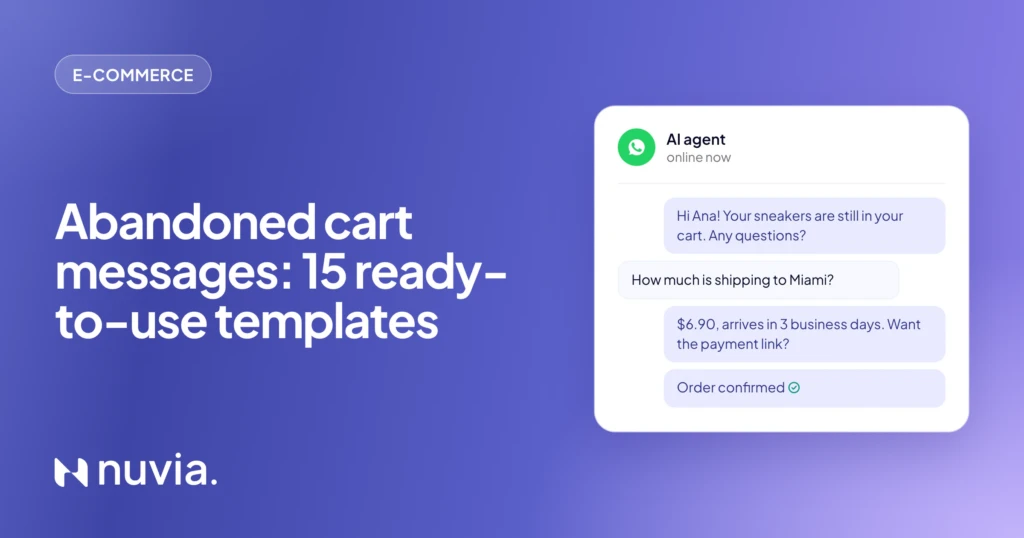
| Abandoned cart | Cart or checkout idle for 1 hour | “Hi {name}! The {product} is still in your cart. Any questions? {link}” |
| Pending payment | Order awaiting payment | “{name}, the payment link for order {number} expires in {time}. Here it is: {link}” |
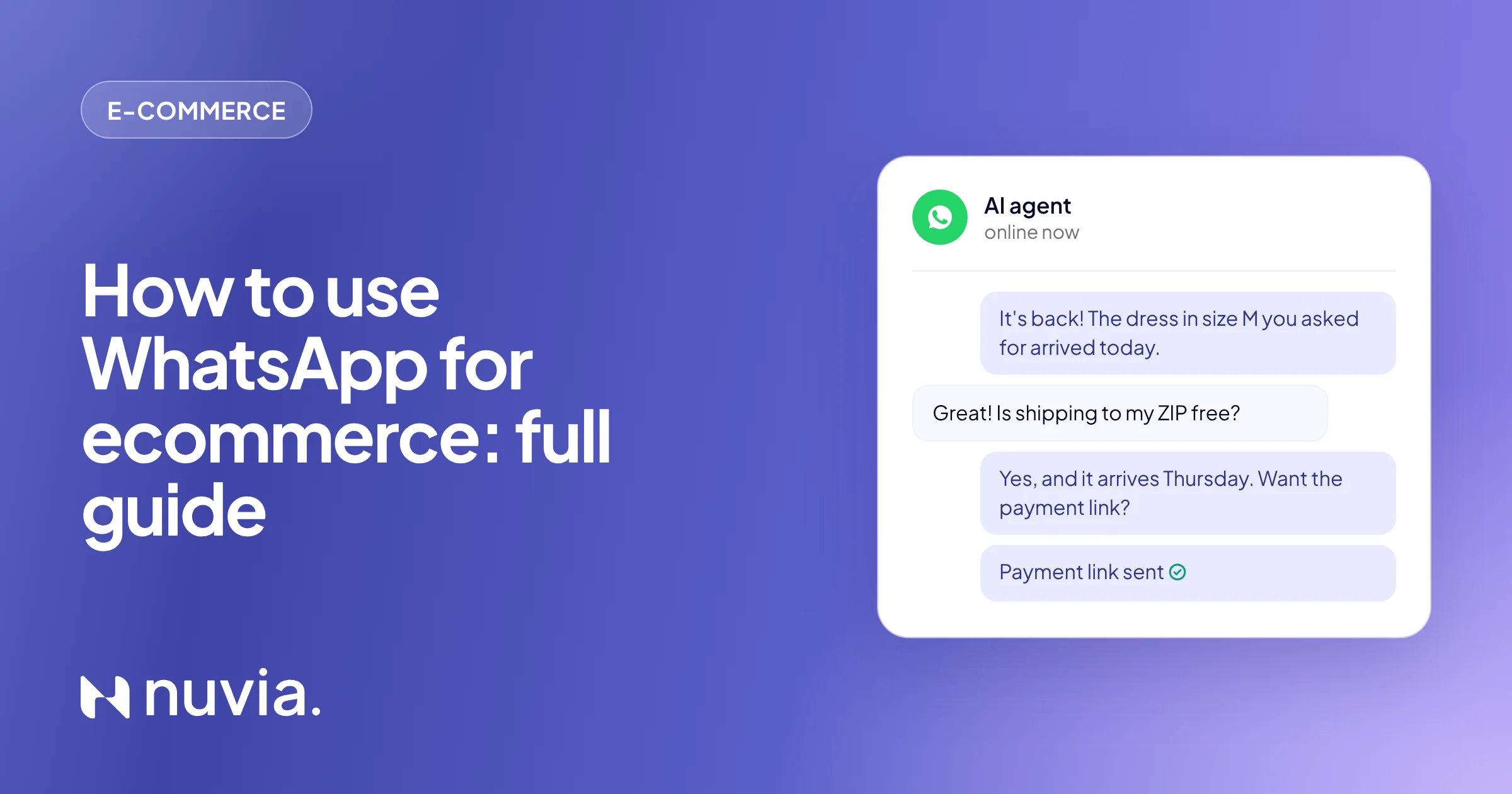
| Back in stock | A requested product is back in stock | “It’s back! The {product} in your size arrived today. Here’s your link: {link}” |
| Post-delivery and review | Order delivered | “{name}, did everything arrive OK? If anything is off, just tell me here.” |
| Replenishment | End of the cycle of a refill item | “Your {product} is probably running low. Want to repeat your last order? {link}” |
| Post-purchase cross-sell | Paid order in a category | “Since you got the coffee maker, I picked the compatible capsules. Take a look? {link}” |
| Birthday and VIP customer | Birthday month or spend tier | “Happy birthday, {name}! Your gift: coupon {coupon}, valid until {date}.” |
| Win-back | No purchase in 90 days | “It’s been a while, {name}! {new arrival} just came in, the way you like it. Want to see it?” |
| Black Friday VIP list | Customer list by purchase profile | “Want to join our Black Friday VIP list? VIPs shop at midnight, before everyone else.” |
| Launch and new collection | List by category of interest | “The {collection} collection is here. You see it first, before we open it to everyone: {link}” |
Each campaign can also run on SMS, RCS, email and voice, and it stops as soon as the customer replies on any channel. The step-by-step for each one, with the cadence per channel, is in the ecommerce use cases. The two that bring in the most revenue have their own guides: the abandoned cart message templates and the Black Friday WhatsApp checklist, with the timeline for the date.
Customer service on WhatsApp: questions, orders and returns
Store support on WhatsApp has two parts: answering before the purchase, so you don’t lose the sale, and answering after, so it doesn’t turn into a complaint. The questions repeat a lot (“do you have my size?”, “how much is shipping?”, “where is my order?”), so most of them can be solved without a queue.
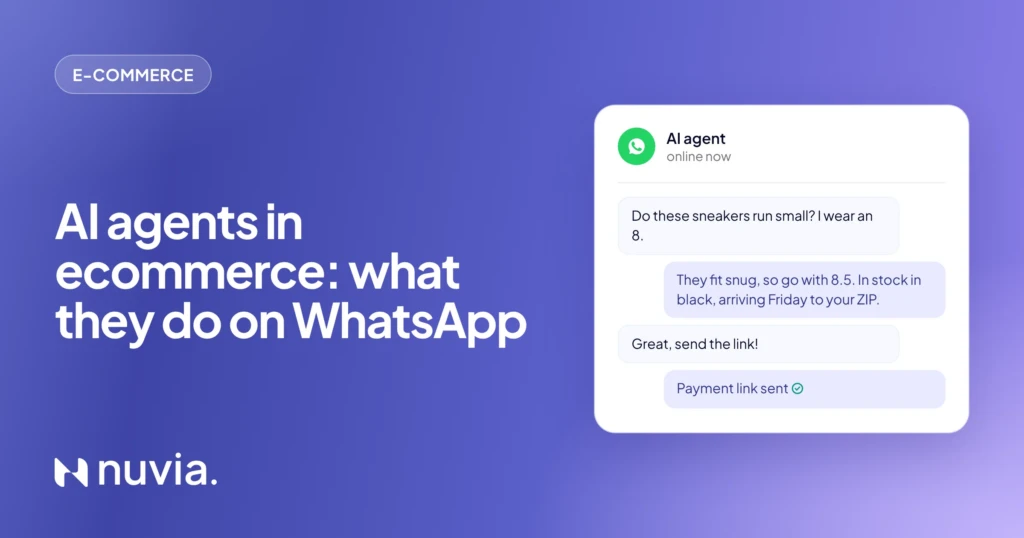
- Before the purchase: size, stock, shipping by ZIP code and installments, with answers pulled from the catalog and the store. The guide what AI agents do in ecommerce shows each stage with examples.
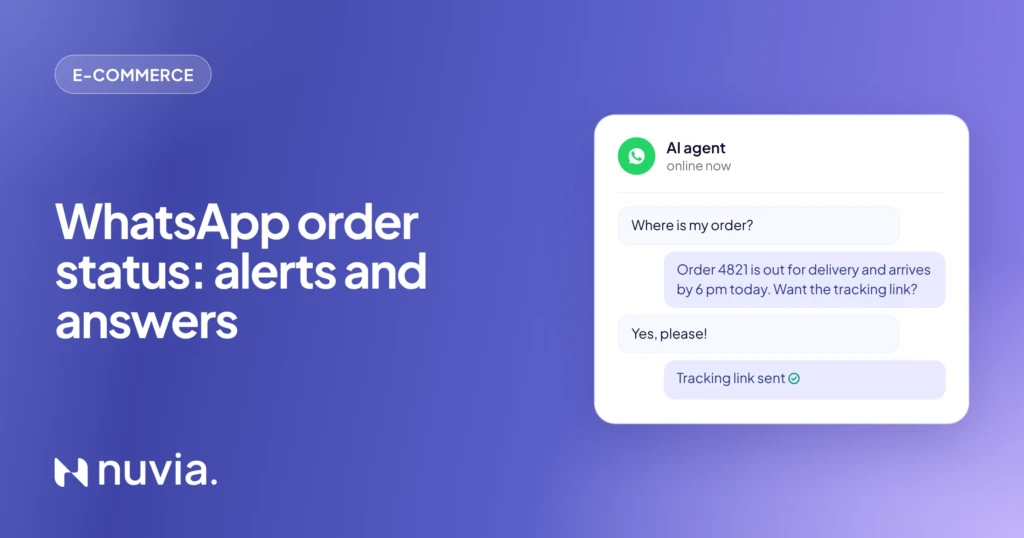
- After the purchase: paid, shipped, delayed and delivered notices go out on their own as utility templates. The templates and rules are in the WhatsApp order status guide.
- Exceptions: complaints, business orders and out-of-policy returns go to a person on the team, in the same inbox and with a summary of the conversation.
WhatsApp integration with VTEX, Shopify, Nuvemshop and Tray
The integration is what makes WhatsApp actually sell: without it, agents copy statuses and build links by hand. With the store connected, the AI agent reads the catalog, the cart and the order, and each platform event starts the right campaign. Nuvia integrates with four of the platforms most used in Brazil:
| Platform | What the AI does on WhatsApp |
|---|---|
| VTEX | Searches the catalog, quotes shipping and builds the cart with the store’s coupon; every order change notifies the customer. |
| Shopify | Shows the right variant and sends the checkout link; store segments become repeat-purchase and win-back campaigns. |
| Nuvemshop | Answers questions, recovers carts with a coupon and sends the payment link; tells the customer when the order shipped, got delayed and arrived. |
| Tray | Finds the product, quotes shipping and sends the cart ready to pay; then sends the pending payment, the invoice and tracking. |
 VTEX
 Shopify
 Nuvemshop
 Tray
 WhatsApp
Flow automation or AI agent
Flow automation works for predictable messages, like the “order shipped” notice; the AI agent handles the conversation that comes after, when customers ask in their own words. A flow chatbot follows a button menu and gets stuck when the question leaves the script. An AI agent understands free text, checks the store’s data and decides the next step.
Flow chatbot
- Fixed button menu
- Same answer for everyone
- Gets stuck off script
- Good for simple notices
AI agent
- Understands the question the way the customer writes it
- Answers with that customer’s cart, shipping and order
- Hands off to a person with a summary of the conversation
- Good for selling, answering questions and recovering the purchase
In a store, both work together: the event triggers the notice, and the AI agent answers whoever replies. The side-by-side comparison is in chatbot vs AI agent, and the types of chatbot are explained in the types of chatbots guide.
How to start using WhatsApp in your store
You can get started in five steps, from the number to the first campaign, without changing your store platform:
Move the number to the official API
Keep the number customers already know, with the store name verified.
Connect your platform
Link VTEX, Shopify, Nuvemshop or Tray so WhatsApp can read the catalog, cart and orders.
Set up the AI agent
In the Agent Builder, explain the store’s rules: shipping, returns, delivery times and when to call the team.
Get templates approved
Abandoned cart, pending payment and order status first, since they are the most frequent messages.
Turn on campaigns
Start with cart and payment, measure recovered revenue and only then add repeat purchase and win-back.
Common mistakes when selling on WhatsApp
The costliest mistakes are messaging people who didn’t ask, taking too long to reply and not connecting WhatsApp to the store. Here are the main ones:
- Sending without opt-in: marketing messages to people who didn’t agree lower your number’s quality and can get the account blocked.
- Running everything on the app: with a single phone, the queue grows at peak times and conversations get lost when agents switch.
- Messages without a question: a reminder that only informs gets no reply. End with an open question, like “any questions?”.
- Coupons for people who already bought: without store integration, the campaign doesn’t know the order was paid and keeps sending discounts.
- Fake urgency: “last units” that never run out teaches customers to ignore the store.
- No handoff to a person: a complaint with no human reply becomes a bad review.
Real results: Chocolat du Jour
At Chocolat du Jour, the AI agent handled the Easter peak on WhatsApp: 25,000 conversations in 8 days, 91% of them led by the AI and twice the WhatsApp revenue for the season. The full story is in the Chocolat du Jour case study.

Customer service and reactivation of a historical customer base. At the Easter peak, WhatsApp demand grew fivefold and the channel doubled its revenue, with quality in sales and after-sales.
Read the storyFrequently asked questions
How do you use WhatsApp for ecommerce?
Connect the store’s number to the official API, integrate WhatsApp with your ecommerce platform and use store events to trigger abandoned cart, pending payment and order status messages. An AI agent answers questions with the catalog and the order, and hands only what needs a person to the team.
Is WhatsApp Business free?
Yes. The WhatsApp Business phone app is free; what charges per message is Meta’s official API, used by stores with a team, automation and integrations. See the difference in is WhatsApp Business free.
How much does a WhatsApp marketing message cost?
It depends on the recipient’s country. For numbers in Brazil, a marketing message on the official API costs US$ 0.0625 per delivered message, per Meta’s table in effect since Oct 1, 2026 (checked on Oct 28, 2026). The full simulation is in the WhatsApp API pricing guide.
Can I sell on WhatsApp using the catalog?
Yes. The app has a simple catalog you build by hand. With the API and the store connected, the AI agent searches the store’s own catalog, checks stock and sends the payment link in the chat.
Which ecommerce tasks can you automate on WhatsApp?
Abandoned cart, pending payment, back-in-stock alerts, order status, post-delivery, repeat purchase, cross-sell, birthdays, win-back and seasonal campaigns like Black Friday. Each one is in the ecommerce use cases.
Do I need an AI agent or is a chatbot enough?
A flow chatbot is enough if the store only sends notices and simple menus. For product questions, shipping and selling in the chat, an AI agent understands free text and uses the store’s data. Compare them in chatbot or AI agent.
What mistakes should you avoid when selling on WhatsApp?
Don’t message people without opt-in, don’t keep customers waiting and don’t send coupons to people who already bought. Connecting WhatsApp to the store fixes the last two, because the campaign stops once the order is paid.