This guide shows what the agent does at each stage of the purchase, with sample conversations. To see every funnel and campaign Nuvia runs in a store, check the AI agent use cases for e-commerce.
What an AI agent does in an online store
An AI agent does the job of a salesperson and a support rep on the store’s WhatsApp, at the same time and for many customers. Unlike an auto-reply, it looks things up in the store and acts: it finds the product in the catalog, calculates shipping by ZIP code, creates the order and sends the payment link in the chat.
In practice, it covers four fronts on the same number:
- Sales: the customer describes what they want, and the agent finds the product, checks stock and closes the order.
- Customer support: order status, tracking, exchanges and payment reminders leave the team’s queue.
- Retention: repeat purchases at the right time and post-delivery check-ins, based on purchase history.
- Marketing: abandoned carts, Black Friday and launches, with the agent answering whoever replies.
All of this runs in the Smart Funnel: each stage has an instruction you write and the store actions the agent can use. Prices, delivery times and stock always come from the store. When the agent can’t find a piece of data, it says so and calls the team.
AI agent vs. store chatbot: what’s the difference
A flow-based chatbot follows a menu of options; an AI agent understands free text, checks the store and solves the request. In an online store this changes results, because customers almost never ask the way the menu expects.
| Situation | Flow-based chatbot | AI agent |
|---|---|---|
| “Do you have these sneakers in size 8, and can they arrive by Friday?” | Asks the customer to pick “1. Products” or “2. Shipping” | Checks size 8 stock and calculates shipping for the ZIP code |
| Customer sends a voice note or a photo of the product | Doesn’t understand and repeats the menu | Understands the request and searches the catalog |
| Payment | Sends the store link and leaves the rest to the customer | Builds the order and sends the payment link in the chat |
| Complaint or unusual case | Gets stuck in a loop | Hands off to a person with a summary of the conversation |
For the basics, the post on types of chatbots explains each kind. The full comparison is in chatbot vs. AI agent.
Use cases by stage of the purchase
The AI agent works before, during and after the purchase, and each stage has a typical customer question and a store action that answers it. The table sums it up; examples follow.
| Stage | What the customer asks | What the agent does | Store data used |
|---|---|---|---|
| Before | “Which size should I get?” “Do you have it in blue?” | Finds the product and suggests the right option | Catalog, size chart, stock |
| Before | “How much is shipping to my ZIP code?” | Calculates shipping, delivery time and pickup | Shipping rates and carriers |
| During | Leaves with a full cart | Answers whoever comes back through the reminder and leads to payment | Cart and coupons |
| During | “Can you send me the payment link?” | Creates the order and sends the link | Order and payment |
| After | “Where’s my order?” | Looks it up and replies with the real status | Order and tracking |
| After | “I want to exchange the size” | Checks the deadline and opens the exchange or hands off | Order and return policy |
| After | Bought a while ago | Reaches out again at the repurchase cycle | Purchase history |
Before the purchase: product and size questions
Questions about size, color or compatibility are what most often stall purchases in fashion, footwear and electronics. The agent answers right away, using the store’s catalog. Example in a shoe store:
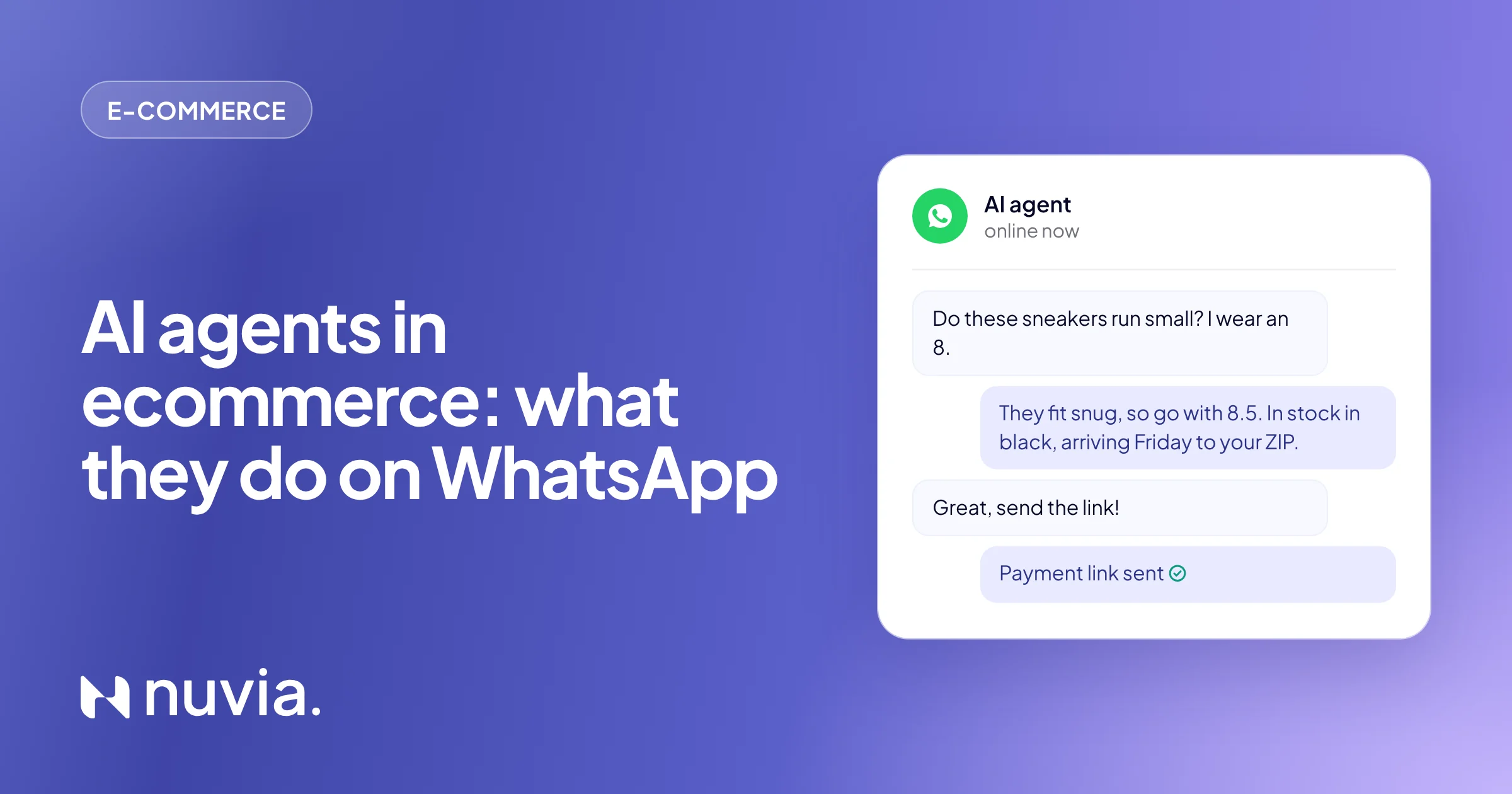
- Customer: “I wear an 8 in running shoes. Does this model run small?”
- Agent: “According to the brand’s size chart, this model fits snug. If you wear an 8, we recommend an 8.5. I have it in black and in white. Want me to check shipping?”
The answer about fit comes from the size chart and the description the store registered. The agent doesn’t make things up: if the information doesn’t exist, it says so and offers to connect the customer with a person.
Before the purchase: stock and shipping
Unexpected shipping costs and delivery times are among the most common reasons people give up. The agent checks stock and calculates shipping by ZIP code inside the chat, without sending the customer to the site. It also covers in-store pickup, installments and active coupons. For a bakery that delivers gifts, for example, it confirms the product arrives on the right date before closing the order.
During the purchase: abandoned cart
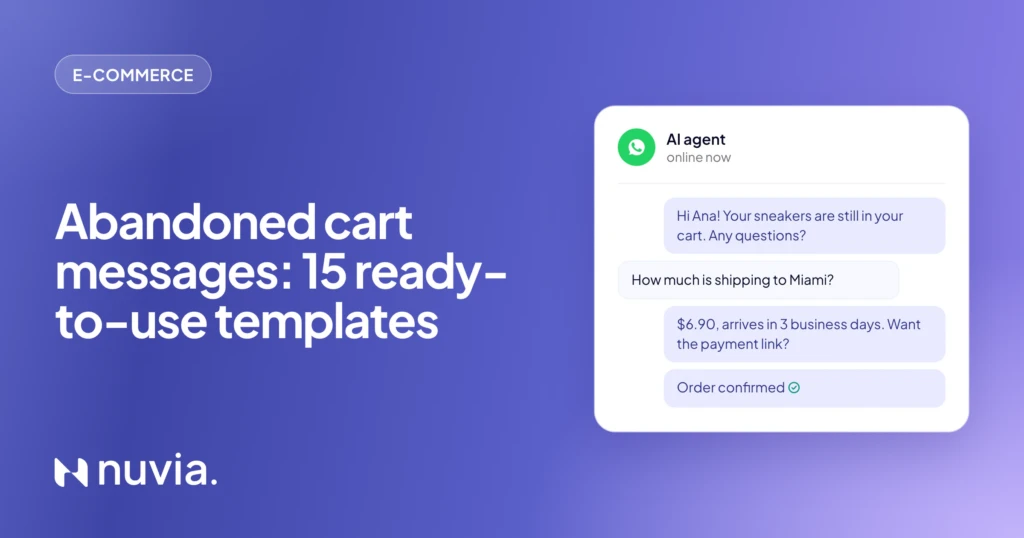
When a customer stops in the middle of checkout, a campaign sends a reminder with the cart link. The agent’s value is in what happens next: whoever replies with a question is answered right away, with the cart at hand, and the sequence stops. The post on abandoned cart messages has the cadence and 15 ready-to-use templates.
During the purchase: payment
The agent confirms items, details and address, creates the order in the store and sends the payment link (or Pix code, in Brazil) right in the conversation. If a payment is about to expire, a reminder goes out first, and the agent confirms the order as soon as the payment clears. You decide whether orders go straight through or pass by a person first, as with B2B orders.
After the purchase: order status
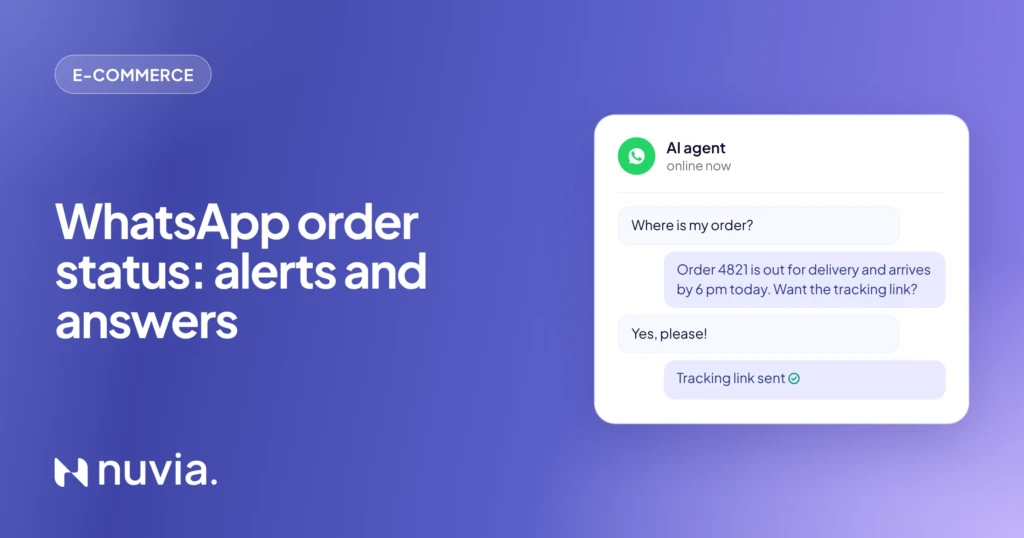
“Where’s my order?” is the question that fills the post-sale queue the most. The agent asks for the order number or the customer’s ID, checks the store and replies with the real status and delivery estimate. If it can’t find the order, it asks the customer to double-check the data.
After the purchase: exchanges and returns
For exchanges, the agent checks the order and the deadline in the store’s policy, records the reason and opens the return when the platform allows it. When it doesn’t, or the case is a complaint, it hands off to the team with the data already collected. The customer doesn’t have to tell the story twice.
After the purchase: post-sale and repurchase
After delivery, the agent can ask for a review, answer how-to questions and, at the right time, offer a repurchase. A supplement store, for example, reaches out when the tub is about to run out. A cosmetics brand lets customers know when the line they bought gets a new release. The conversation uses purchase history, so the offer makes sense for each person.
Works with VTEX, Shopify, Nuvemshop and Tray
Yes, the use cases above work on any of the four platforms, because the agent uses the same store actions: search the catalog, calculate shipping, create orders and look up orders. The connection is made with an API key or a platform authorization, and store events (stalled cart, pending payment, delivered order) trigger the campaigns.
 VTEX
 Shopify
 Nuvemshop
 Tray
 WhatsApp
Each platform has its own actions and events. See the details for each one in WhatsApp and AI for e-commerce. Custom stores and other platforms connect through the API and webhooks.
Real results: Chocolat du Jour
Chocolat du Jour, a Brazilian fine chocolate brand that sells online through its VTEX store, uses the AI agent to serve customers, share the catalog, answer delivery and pickup questions and handle post-sale. At Easter, the same everyday setup handled the peak without growing the team:
- 25,000 conversations in less than 8 days;
- 91% of conversations handled by AI, with the team stepping in to close;
- twice the revenue on WhatsApp at Easter.

Customer service and reactivation of a historical customer base. At the Easter peak, WhatsApp demand grew fivefold and the channel doubled its revenue, with quality in sales and after-sales.
Read the storyHow to measure the AI agent’s return
Measure the return by the revenue that goes through WhatsApp and by the work that leaves the team’s queue. Compare the same period before and after, or the same dates in different years, such as Easter against Easter.
| Metric | What it shows | Where to look |
|---|---|---|
| Revenue from WhatsApp | How much the channel sells | Orders created in the chat or with the link sent |
| % of conversations solved by AI | How much leaves the team’s queue | Conversations with no handoff to a person |
| First response time | Whether customers wait, in and out of business hours | Conversation report |
| Recovered carts | Sales that came back after the reminder | Orders from people in the campaign |
| Payments made after the reminder | Orders that didn’t expire | Pending orders that turned into paid ones |
| Conversations per team member | How much the team can handle at peak | Total volume divided by team size |
The cost sits on the other side of the math: the platform and Meta’s message fees. The guide on WhatsApp Business API pricing has the official rates and a simulation.
How to set up the AI agent in your store
Start with a single case, the one that clogs the queue most today, and add the others once it runs well. The path usually looks like this:
Connect WhatsApp and the store
Move the number to the official API and connect VTEX, Shopify, Nuvemshop or Tray.
Pick the first case
Product questions, order status or abandoned carts: whatever takes the team’s time today.
Write the funnel stages
Describe what the agent does at each stage and which store actions it can use.
Define the handoff to the team
Complaints, B2B orders and exceptions go to a person, with a conversation summary.
Test and monitor
Simulate real conversations before going live and review the first weeks with the metrics above.
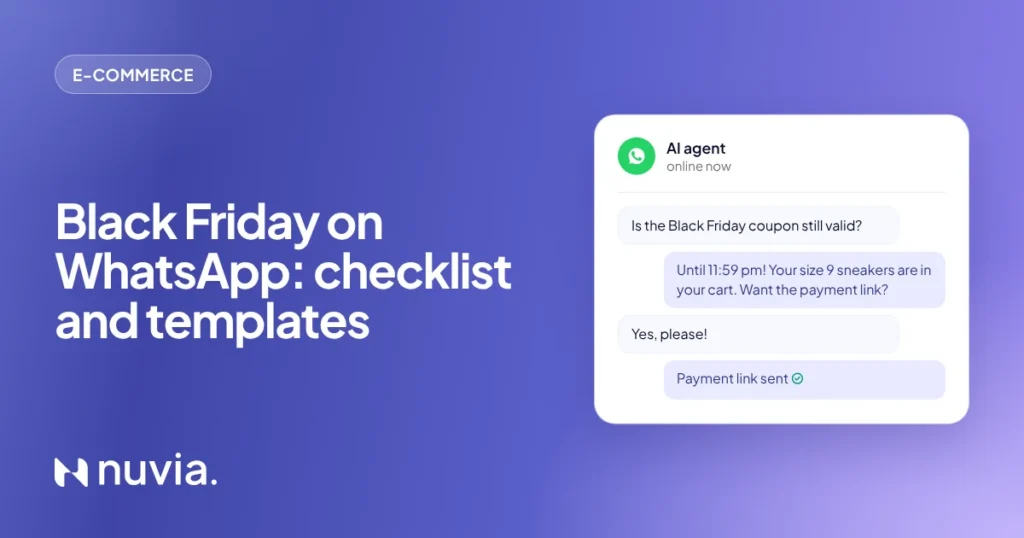
If your next big date is Black Friday, prepare the agent weeks ahead. The Black Friday WhatsApp checklist covers the timeline and the templates to get approved.
Frequently asked questions
What do AI agents do in ecommerce?
They serve customers before, during and after the purchase using the store’s data: answering product questions, checking stock and shipping, creating the order, sending the payment link and handling status and exchanges. When the case needs it, they hand the conversation to a person on the team.
Does the AI agent work with VTEX, Shopify, Nuvemshop and Tray?
Yes. Nuvia connects to all four platforms, and the agent starts checking catalog, shipping and orders inside the chat. See how the integration with each platform works.
Can the AI agent close a sale on its own?
Yes, if you allow it. It builds the order in the store and sends the payment link in the chat, and you decide which cases, such as B2B orders, go through a person first.
When does the AI agent hand off to a human?
When the case falls outside what you defined for it, such as a complaint, a B2B order or an exchange exception, or when the customer asks. The person gets the conversation in the same inbox, with the summary and the data already collected.
Can an AI agent handle peaks like Easter and Black Friday?
Yes. It handles many conversations at once, at any hour. At Chocolat du Jour, it handled 25,000 conversations over Easter in less than 8 days, with 91% of them led by AI.
How much does a WhatsApp AI agent for ecommerce cost?
The cost combines the agent platform and the messages Meta charges for, which vary by message category. The WhatsApp AI agent pricing guide has the official rates and a simulation.