
Available on: all plans.
Who can access: anyone who received an invitation by email.
What you need before you start
-
The invitation email sent by your company's administrator
-
An up-to-date browser (Chrome or Edge recommended)
-
A stable internet connection
Step 1 – Open the invitation email
-
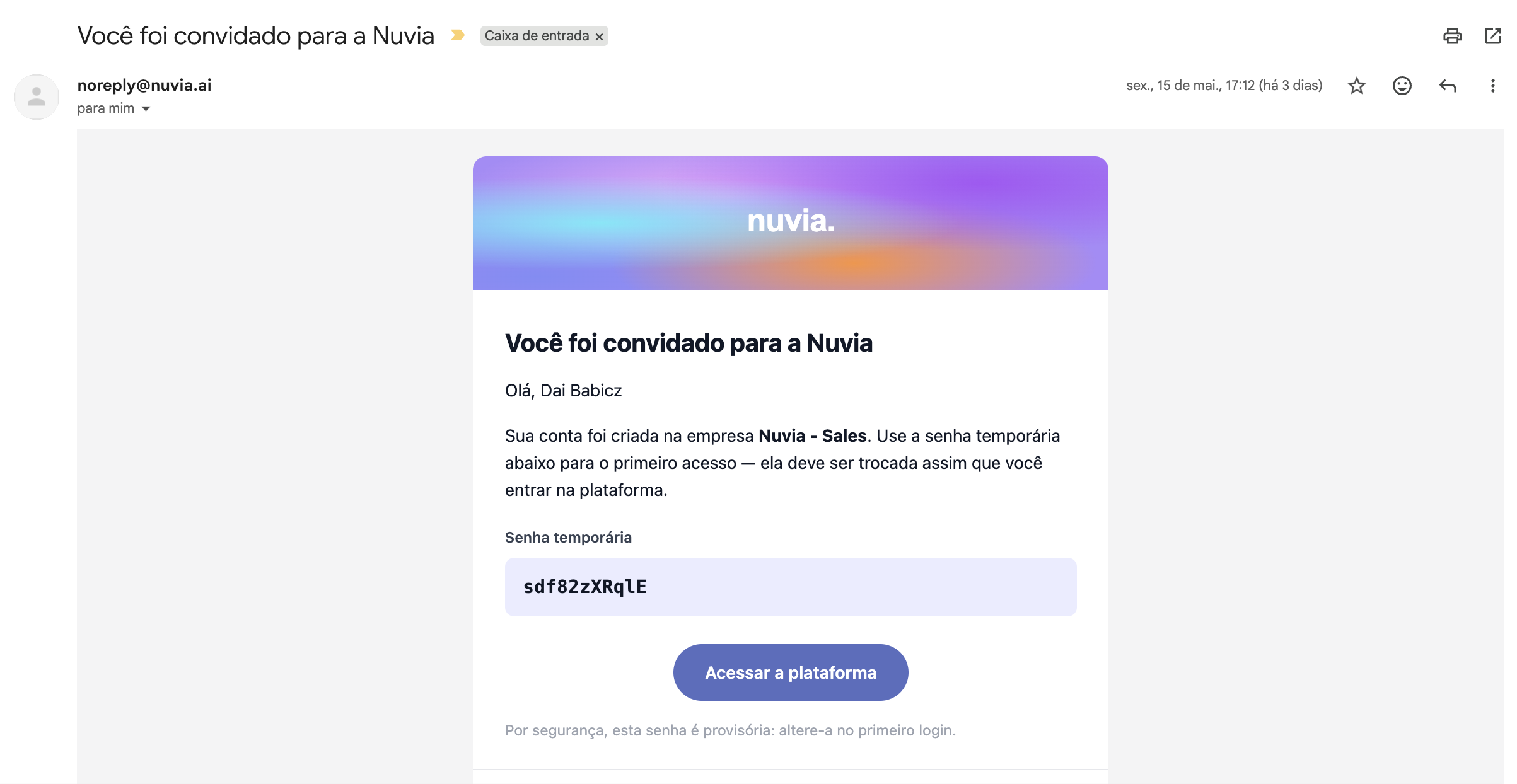
Go to your inbox and find the invitation email from Nuvia
-
Click the activation link in the body of the email
-
You'll be redirected to your account setup page
Step 2 – Change the temporary password
-
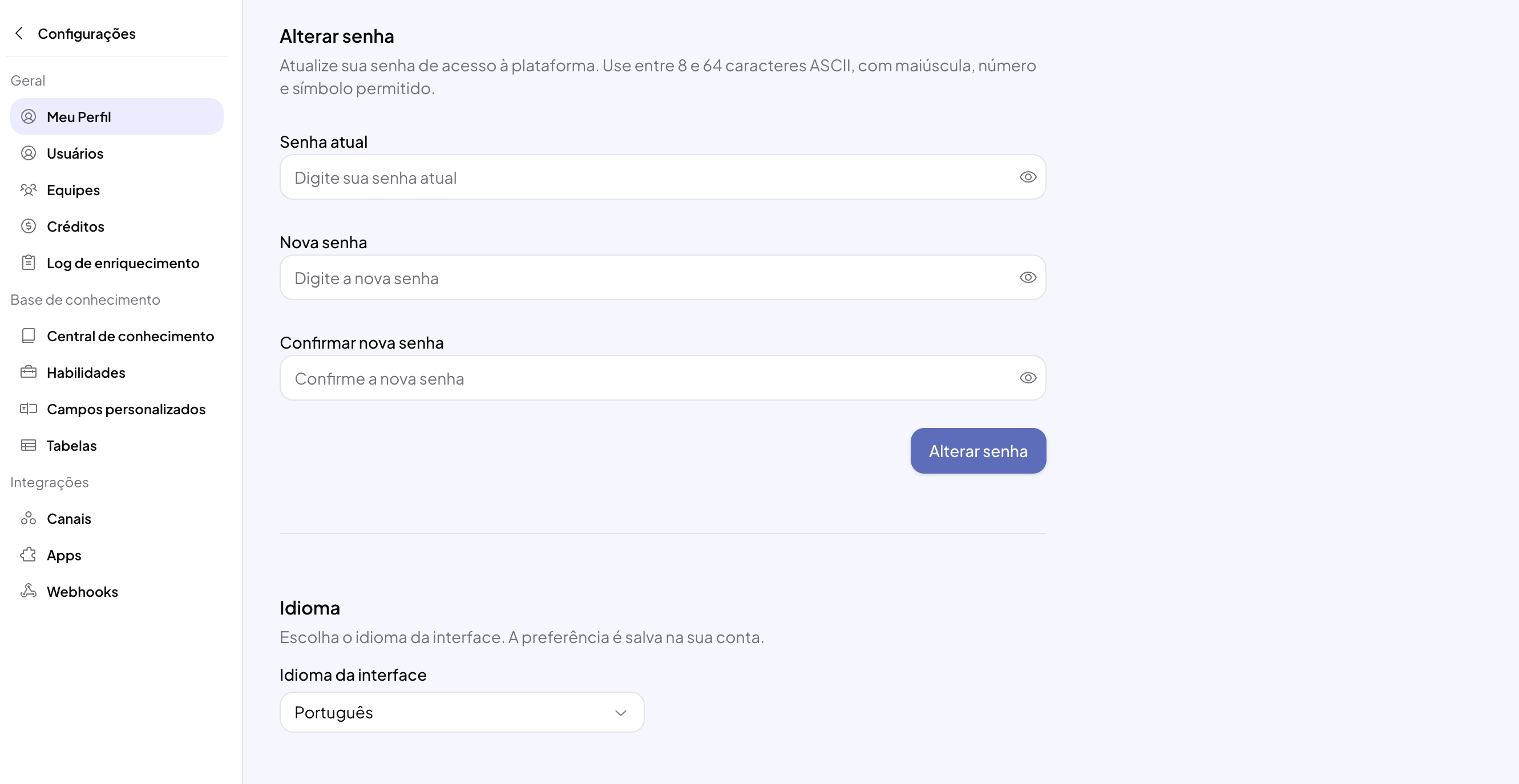
On the My Profile page in Settings, fill in the fields in the Change password tab with a password of at least 6 characters
-
Confirm the password in the fields shown
-
Click Change password
Step 3 – Get to know the main interface
-
After you log in, you'll see the left sidebar with the platform's modules
-
The modules available depend on the permissions set by the administrator. The main ones are:
-
Dashboards – analytics dashboards
-
Conversations – support inbox
-
Pipeline – sales kanban
-
Campaigns – WhatsApp and other channel sends
-
Lists – contact databases
-
Search – prospecting engine
-
Smart Funnels – AI agents
-
-
Explore the menu to get familiar with the modules you have access to
Step 4 – Set up your profile
-
Click your profile icon in the bottom-left corner of the sidebar
-
Select My Profile
-
Review your personal information: name, email and contact phone
-
Adjust the notification sound settings to your preference
-
Click Save to confirm the changes