
Facebook Business Manager, now Meta Business Suite, is a platform built to manage the assets created on Facebook. It also gives you user access control, including collaborators who manage ad accounts, pages, and apps.
In this tutorial, we show you how to create your account on the platform.
1. Go to Business Manager.
To create a Business Manager account, you need to have a Facebook account. We recommend that you create your profile before you continue.
2. When the page loads, you will see two buttons: Log in and Create account.

Next, log in with your Facebook email or phone number and password.
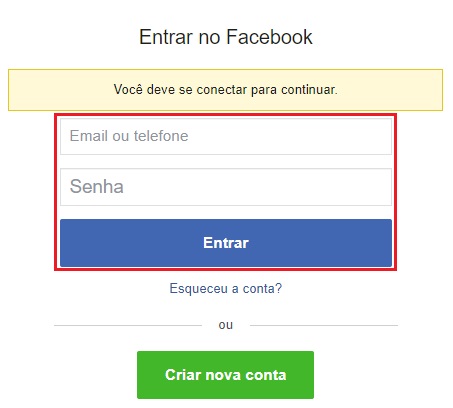
Once logged in, go back to the Business Manager home page and click “Create account”.
3. A window opens where you enter the name of your business account.

4. In the next window, enter your name and work email. When you are done, click “Create”.
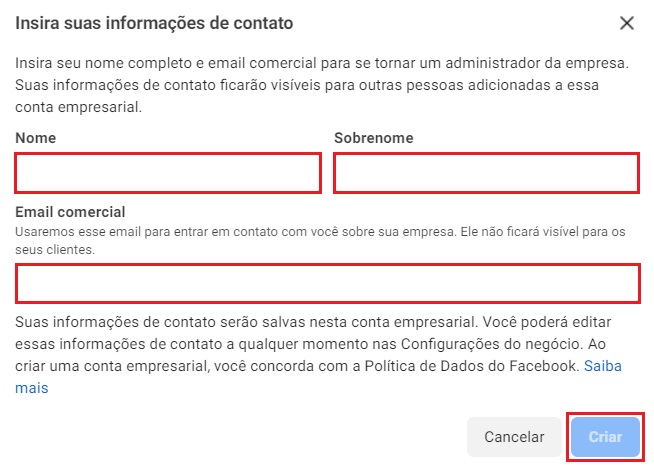
Facebook may restrict the creation of a Business Manager profile if your Facebook account is very recent. If that happens, you usually need to wait a few hours until the account is allowed to create a business profile.
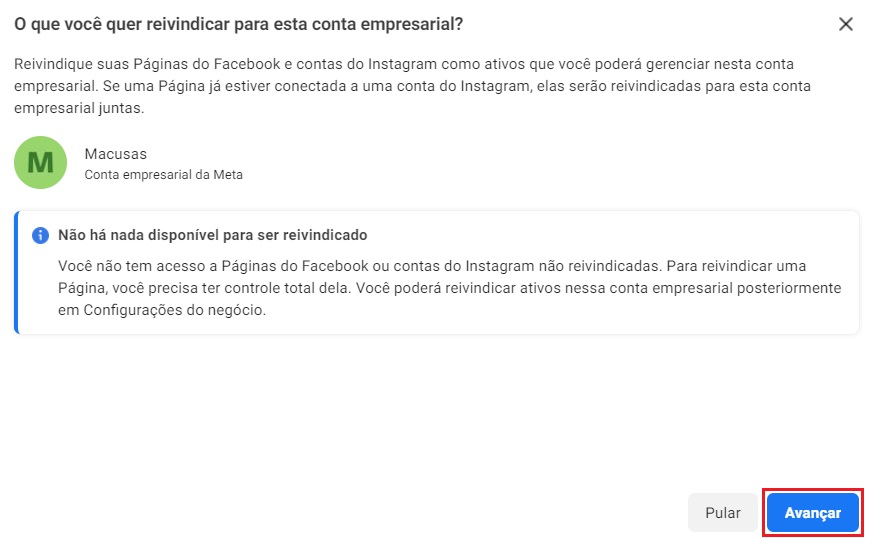
5. Next, if you have Instagram accounts or Facebook Pages available, you can claim them on this page. If not, just click “Next”.
6. If you want, you can add more people to manage the business account by entering their email in the field shown. If not, just click “Next”.
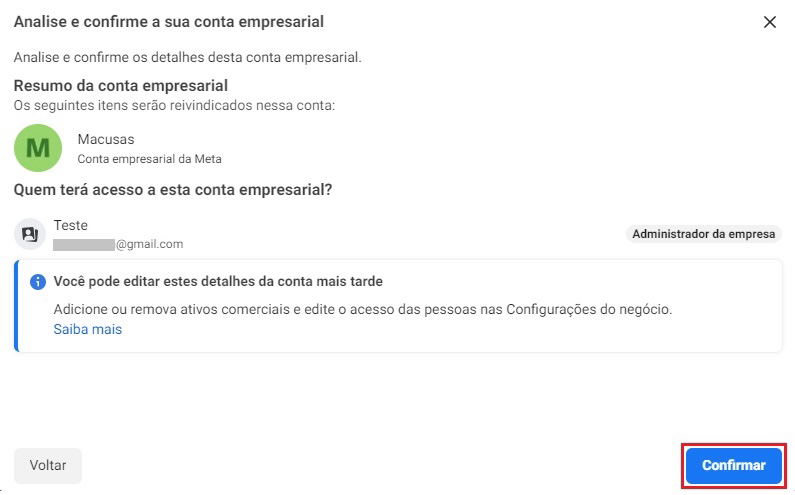
7. Finally, check that the information is correct. If it is, click “Confirm”.
To finish and validate your access to Business Manager, open the inbox of the email you registered, open the email you received, and click the link sent by Facebook.
Done! Your Meta Business Suite account has been created.