
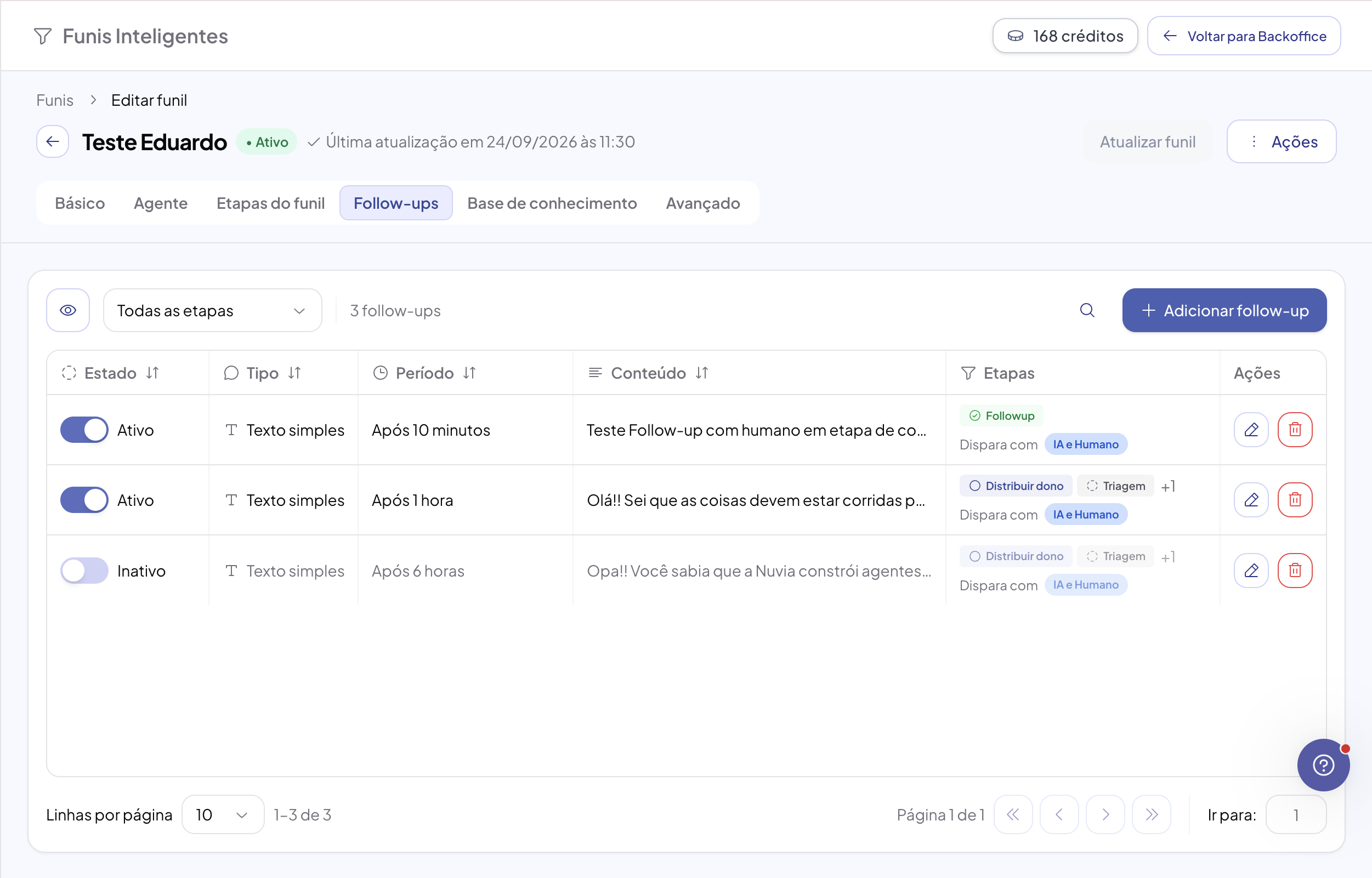
Now you choose where and when each follow-up can go out: in which funnel stages, whether it fires with a human agent in the conversation and which inbox the WhatsApp template comes from.
Available on: Smart Funnels, Follow-ups tab. Who can: admins.
Choose the stages
-
In Smart Funnels, click View details on the funnel.
-
Open the Follow-ups tab and create or edit a follow-up.
-
In the Funnel stage field, check the stages where it should fire, or turn on Use in all stages.
-
Save.
Key points:
-
A stage that isn't checked doesn't get that follow-up.
-
Conversion stages accept follow-ups, for example to ask for the signature after closing.
-
Discard stages only get it when checked. Avoid this: sending to people who aren't interested raises the risk of the number being blocked.
-
A stage with “The AI doesn't respond in this stage” is left out, even if checked.
Follow-up with a human agent
By default, when an agent takes over the conversation, the follow-up isn't sent and pending ones are canceled. The conversation stays with whoever is handling it.
To keep sending even with an agent, turn on Allow follow-up during human service (admins only). In that case the follow-up goes out without handing the conversation back to the AI, without changing the owner, agent or stage, and it's logged in the timeline.
Templates in funnels with several numbers
In a WhatsApp Template follow-up, choose the inbox the template comes from. It then applies to every number in the same account (WABA), so a single follow-up covers the whole funnel, with no copy per number.